 DONNOK
Why splitting savings into separate funds changes their purchasing power
The same 1 million won has different purchasing power depending on when you set it aside. How to add several funds in DONNOK, with worked examples using South Korean CPI for August 2026.
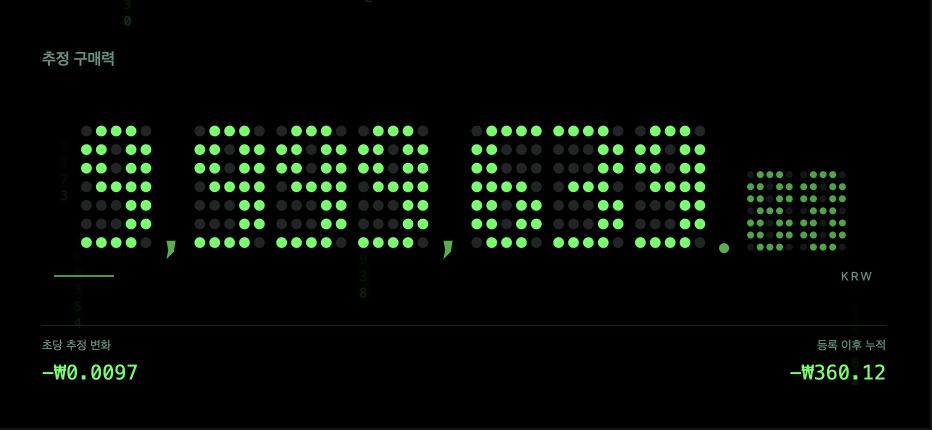
Why does the registration date change purchasing power?
Estimated purchasing power is the amount × the price index on the registration date ÷ the current price index. The older the registration date, the more prices have risen since, so the same amount ends up with less purchasing power.
The figures below are teaching examples worked out with South Korea’s monthly CPI. The app estimates values between months, so its display can differ slightly.
| Registered (index) | Purchasing power in August 2026 | Share lost |
|---|---|---|
| August 2023 (112.28) | About 935,277 won | About 6.5% |
| August 2025 (116.45) | About 970,012 won | About 3.0% |
| February 2026 (118.40) | About 986,256 won | About 1.4% |
How is the total calculated when I add several funds?
Say you have 3 million won of emergency savings built up since August 2024, 5 million won of savings principal deposited in August 2025, and a 2 million won everyday account set up in February 2026. The amounts add up to 10 million won, but purchasing power is calculated for each fund and then summed.
Registering all 10 million won at once in February 2026 would give about 9.86 million won, and registering it all in August 2024 about 9.54 million won. The split result, about 9.68 million won, falls between them and follows the order in which the money actually built up.
| Fund (category · month registered) | Amount | Estimated purchasing power | Purchasing power lost |
|---|---|---|---|
| Emergency savings (Cash · August 2024) | 3,000,000 won | About 2,862,307 won | About 137,693 won |
| Savings principal (Savings · August 2025) | 5,000,000 won | About 4,850,062 won | About 149,938 won |
| Everyday account (Cash · February 2026) | 2,000,000 won | About 1,972,511 won | About 27,489 won |
| Total | 10,000,000 won | About 9,684,881 won | About 315,119 won |
How do I add several funds in DONNOK?
A fund is one pot of money you want to watch. Each fund keeps its own registration date even when you add or delete other funds.
- Open the My funds tab and tap Add fund.
- Choose a category (Cash, Deposit, Savings, Receivables or Other) and enter a recognisable name and the amount.
- Under Registration date · Observation starts, pick the day you saved or deposited that money.
- Save, then add the next fund the same way.
- Check the combined estimated purchasing power of all funds on My display in the Display tab.
How do I keep a long list of funds organised?
In My funds you can browse by category or go back to View all. Sort the list by Date (registration date) or Amount; tap the same sort button again to switch between ascending and descending. Each page shows 20 funds.
Each fund shows its own estimated purchasing power in registration-date prices, and Edit lets you change the amount, category or registration date. For a Deposit fund, only your own money after subtracting the deposit loan counts toward the total.
What should I watch out for when splitting funds?
Do not record the same money in two funds. The sample amount shown on the display before you add your first fund is only a demo and is never added to your funds.
If you spend some of the money, edit the amount or delete the fund so it matches reality. Savings are tracked as principal only, without interest; to watch money grow with interest, use the My investment board instead.