 DONNOK
DONNOK privacy: where your amounts are stored and what is sent
DONNOK keeps your amounts in your device’s secure storage, with no account or bank link. Screen hiding, capture protection, what location, analytics and ads process, and how to delete your data.
Where are my amounts stored?
Fund data stays on your device. On iPhone and iPad it is saved as a this-device-only Keychain item, readable only while this device is unlocked, so it cannot be used if a backup is restored to a different device. On Android it uses encrypted secure storage, and app data backup is turned off.
As a result, your records do not follow you to a new phone; you need to add your funds again on the new device. That is the trade-off of having no server sync.
What happens if someone looks at or captures my screen?
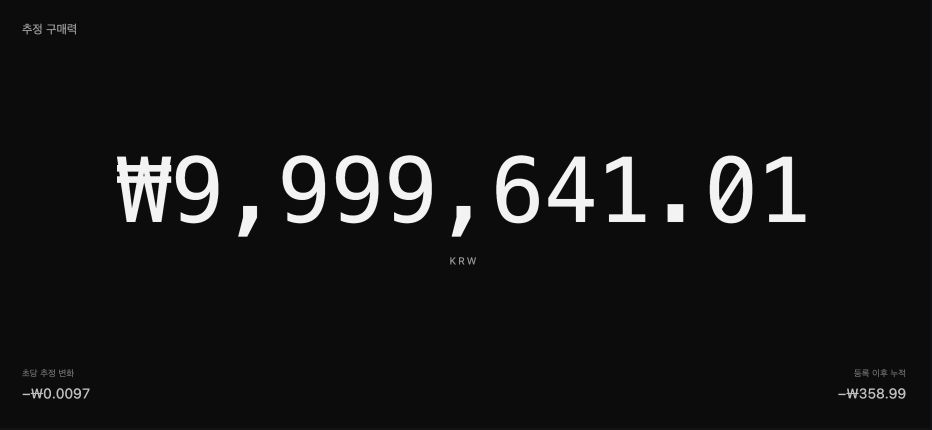
When the app is not active, for example in the app switcher, DONNOK covers the funds screen with a lock cover so amounts are hidden. While you use the app, it asks the operating system to protect the screen from capture.
How much capture protection actually blocks depends on the operating system and device, so do not treat it as a complete guarantee. Widgets are the exception: Home and Lock Screen widgets always show the amount, so remove them if other people can see your screen.
When does DONNOK use my location?
Location is requested only when you tap Find country from current location in Settings → Region and language. This option is available in the app on iOS 26 or later, and it uses your approximate location only to identify the country for price data. Apple’s country lookup service may be used in the process.
DONNOK does not store coordinates or addresses or send them to a server. The detected country is shown only as a suggestion, and your setting changes only after you confirm it.
What information do analytics and ads use?
Sharing app usage statistics is optional. Only if you agree, DONNOK sends app launches, usage time, screen visits, an app installation identifier and basic app and device information to Google Analytics. Fund names, amounts, loans, investments and calculation results are never sent. Every feature works without consent, and you can change your choice anytime in Settings → Privacy. Turning sharing off does not immediately delete data already sent from the server.
Banner ads use Google AdMob. To serve ads and diagnose errors, it may process device identifiers, approximate location, ad interaction and diagnostic data, but fund data is never sent to ad services. Where ad privacy choices are required, Ad privacy options appear in Settings, and banners are not shown on the full-screen display.
How do I delete my records completely?
Tap Reset in the Settings tab and confirm to delete all funds, observation settings and preferences on this device. Funds in every currency are deleted together, and this cannot be undone. Your ad-removal purchase is kept by the store and is not affected.
On iPhone, deleting only the app may leave data in the Keychain, so reset inside the app before removing it. The privacy policy and data deletion page list exactly what is processed.