 DONNOK
DONNOK landscape full screen: a flip or Nixie money display for your desk
Show a DONNOK board in landscape full screen on your desk: title, clock, digit size, keep-awake and screen protection settings, and themes for long viewing.
How do I open landscape full screen?
Menus and settings stay in portrait, and only the full-screen display rotates. If your device’s orientation lock is on, it will not rotate, so check that first.
- In the Settings tab, turn on Auto-rotate fullscreen display.
- In the Display tab, choose the board (My display, My investment or a national indicator) and a theme.
- Tap Fullscreen and turn the device sideways.
- Tap the screen once to show the Keep awake and Exit fullscreen mode buttons at the top.
What can I change in Fullscreen display settings?
Open Fullscreen display settings in the Display tab; the preview at the top updates as you change things. These settings apply only in full screen; the regular display is unchanged.
| Setting | Where | What you can change |
|---|---|---|
| Title | Top left | Up to 20 characters; leave empty for the default text |
| Clock | Top right | Show or hide a 24-hour hh:mm:ss clock |
| Bottom information | Bottom left and right | Show or hide the estimated change per second and the cumulative change separately |
| Digit size | MINIMAL and MONO themes | Levels 1–5; 3 is the default |
| Digit font | MINIMAL and MONO themes | Default, sans-serif, monospaced or serif |
Which settings help when it stays on for a long time?
Keep screen awake stops the screen from turning off automatically while the full-screen display is open. You can switch it with Keep awake in the full-screen menu or with Keep screen awake in the Settings tab.
Screen protection slowly shifts the display and dims it when it has been shown for a long time. It does not apply when the system’s Reduce Motion setting is on, and it does not guarantee protection against burn-in. For long sessions, connect a charger and lower the brightness.
Which themes suit a desk?
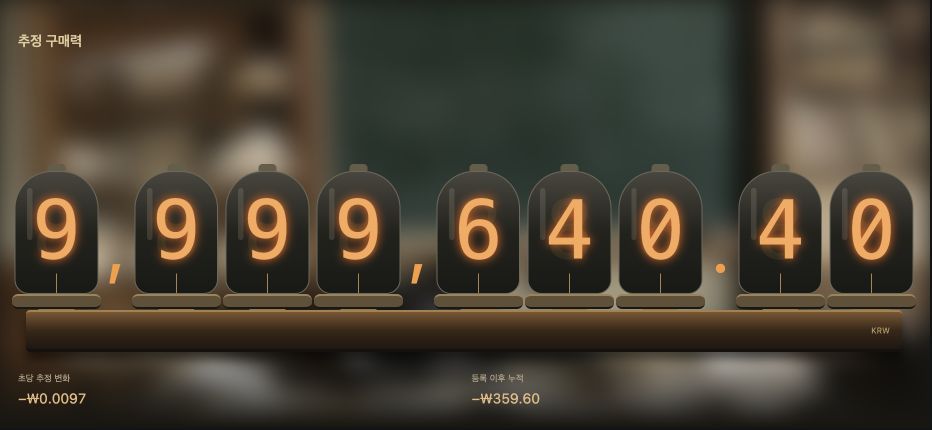
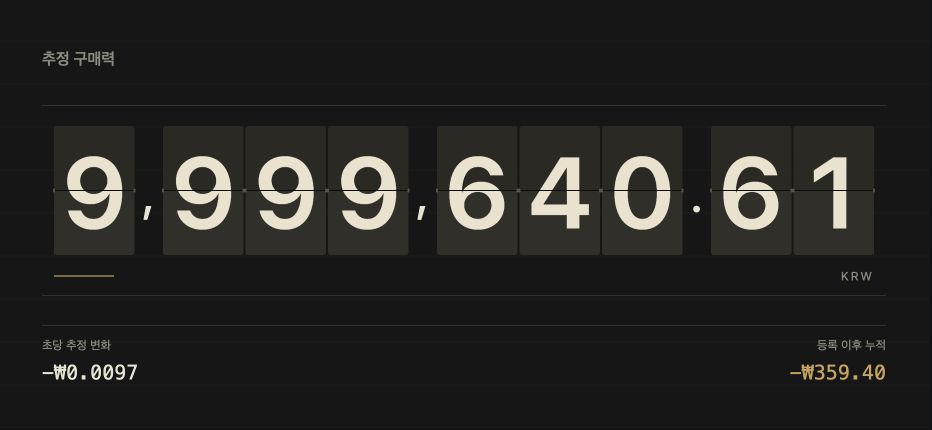
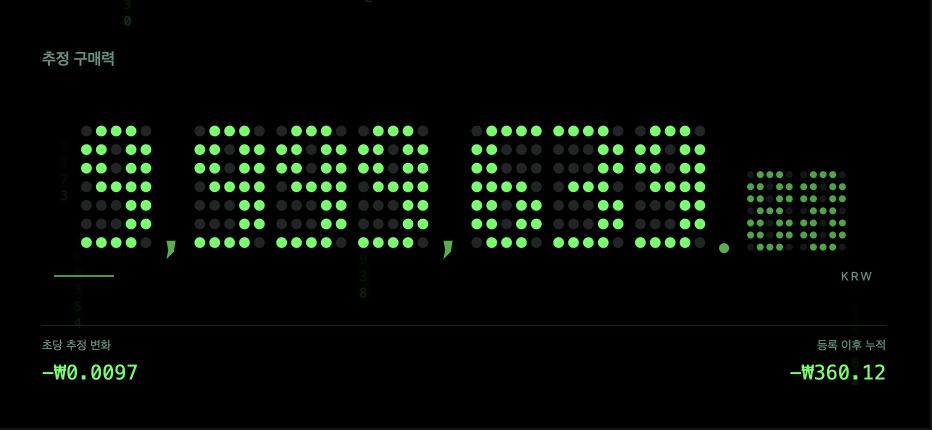
FLIP turns its cards one at a time like a station departure board and sits well next to a clock, while NIXIE’s tube digits glow warmly over a study background. LED dot digits stay clear in a dark room, and SEOUL appears alongside an analogue clock.
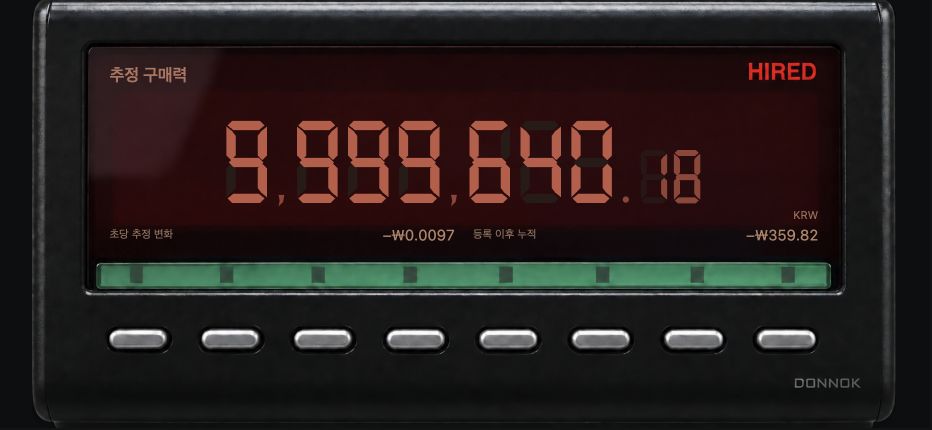
NYC looks like a taxi meter and lets you pause its driving background, and BANK feels like digits printed on a bright cheque. You can also pick by room light: MINIMAL or BANK for bright rooms, MONO or LED for dark ones.
Why do the full-screen numbers keep moving?
The display does not receive new official statistics every second. It redraws an estimate calculated from data it already has, once per second. When the My display number falls, it is the estimated purchasing power changing, not money leaving your account.